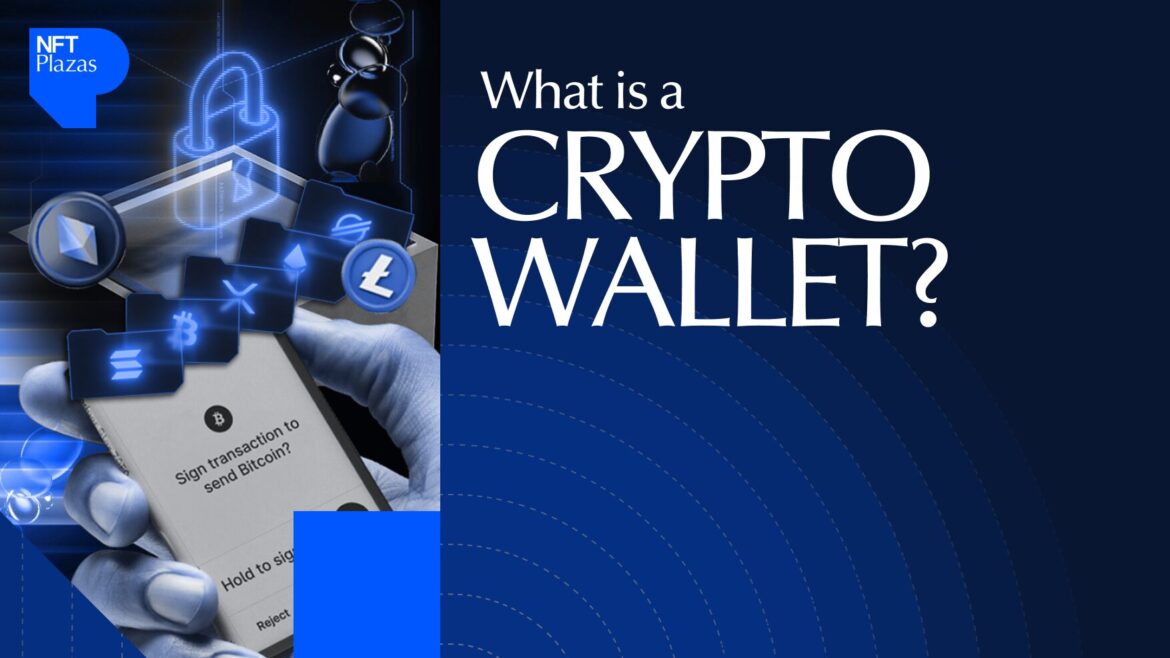
Crypto wallets serve as your gateway to the Web3 and decentralized finance (DeFi) worlds. Without a wallet, you can’t send, receive, trade, store, or manage your digital assets on the blockchain. In this article, we’ll explore cryptocurrency wallets in depth, including how they work and their different types. We’ll also guide you on how to choose and set up a wallet.
What Is a Crypto Wallet?
A crypto wallet is a physical device or digital solution that helps you send, receive, and store cryptocurrencies across blockchains. It also enables you to buy, sell, and manage non-fungible tokens (NFTs) and DeFi coins. However, they don’t hold your digital assets directly. They preserve your private keys, enabling secure access to your assets that reside on multiple blockchain networks.
Why Are Crypto Wallets Important?
- Asset security: Since crypto wallets securely store your private keys, they ensure only you can approve transactions and spend your cryptocurrencies. Many wallets have powerful safety features like two-factor authentication (2FA) and PIN to protect your funds from unauthorized access.
- Privacy: Wallets facilitate pseudonymous cryptocurrency transactions. Though wallet activities are publicly traceable, nobody can easily decode your real identity.
- 24/7 transactions: Blockchain wallets help you make crypto payments, trades, or transfers round the clock.
- Proof of ownership: Every token is linked to a public address, and only the user with the corresponding private key can spend it.
- Utility: Whether you want to engage in token trading, staking, yield farming, or NFT minting, you need to connect your wallet.
How Do Crypto Wallets Work?
Crypto wallets use asymmetric encryption, meaning they use two different cryptographic keys to encrypt and decrypt transactions. Hence, when you set up your first crypto wallet, it generates a public-private key pair.
- Private key: It is comparable to an ATM PIN that must be kept secret. It proves asset ownership and grants you the right to access, spend, and transfer your cryptocurrencies on a blockchain. Additionally, it ensures only you can sign and execute transactions. However, if somebody gets hold of your private keys, your funds are gone forever.
- Public key: It’s akin to your bank account number, which can be shared with others to receive funds. Your wallet address is a shortened version of your public key and comprises a random sequence of numbers and letters. As it is mathematically derived from your private keys using the trapdoor function, reverse-engineering cryptographic signatures is impossible. Thus, nobody can figure out your private keys based on your public wallet address.
When you confirm a funds transfer, the transaction data is broadcast to the blockchain network. Validators/miners process the transaction, and if verified by the network, it’ll be appended to the blockchain.
Types of Crypto Wallets
1. Hot Wallets vs Cold Wallets
Hot wallets are blockchain wallets that are connected to the internet. They exist in the form of smartphone apps, browser extensions, or exchange-hosted web wallets. They’re also known as online or software wallets. As they facilitate speedy transactions, they’re best-suited for active traders seeking convenience and immediate access to coins. However, hot wallets are highly prone to cyber threats, making them unsuitable for long-term storage.
Contrarily, cold wallets remain offline, disconnected from the internet. Hardware wallets, paper wallets, and airgapped devices are different forms of cold storage. They minimize your assets’ exposure to online attack vectors. Therefore, they provide a more secure environment for storing large amounts of crypto. However, you need to connect cold wallets to online devices to send crypto, making them less convenient for high-frequency traders.
2. Custodial vs Non-Custodial Wallets
Custodial wallets are hosted and managed by third parties like crypto exchanges or their custodial partners. They store and secure your private keys on your behalf. They’re beginner-friendly and come with numerous integrated features, including trading interfaces and advanced tools. If you lose access to your account, you can easily recover your account through password resets, email verification, etc.
Conversely, non-custodial wallets grant you complete control over your private keys. Therefore, only you can sign transactions and restore your wallet using your seed phrase. No third-party can access, utilize, manage, or freeze your assets. Many self-custody wallets also offer an integrated DEX, NFT platform, and staking services.
On the flip side, custodial wallets offer users less control over their crypto holdings. If the wallet provider’s platform experiences security breaches, regulatory action, or outages, you may lose access to your crypto. Non-custodial wallets also carry inherent risks. If your private keys or recovery phrases are compromised, you’ll lose your assets permanently.
3. Software Wallets
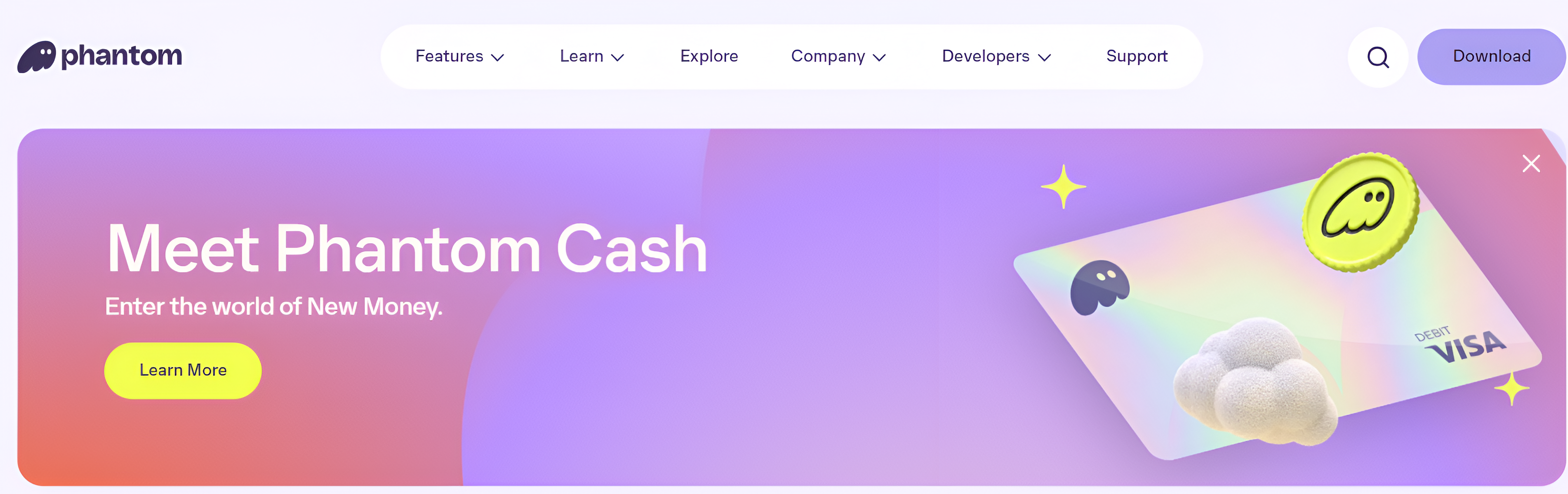
Software wallets are online applications that you can download on various devices, including desktops, laptops, and mobile phones. They’re easy to install and free to use. However, they’re connected to the internet, exposing your private keys to cyber attacks.
Desktop wallets
If you want to trade cryptocurrencies from your computer or laptop, desktop wallets come in handy. They store private keys locally on your device, providing you with greater control over your assets than web wallets. Some desktop wallets integrate with cryptocurrency exchanges, enabling seamless fund transfers. However, if your device security is compromised, your crypto may get stolen.
Mobile wallets
Mobile wallets are specifically designed to facilitate seamless transactions on the go. They’re compatible with mobile devices such as tablets and smartphones. They have unique features like QR code scanning and face/fingerprint login to minimize human error. Whether buying a cup of tea with crypto or trading while travelling, mobile wallets are the most convenient and accessible.
Web wallets
These wallets are accessible through web browsers like Google Chrome and Microsoft Edge. They can be hosted or self-custody wallets.
4. Hardware Wallets: Secure and Offline Storage
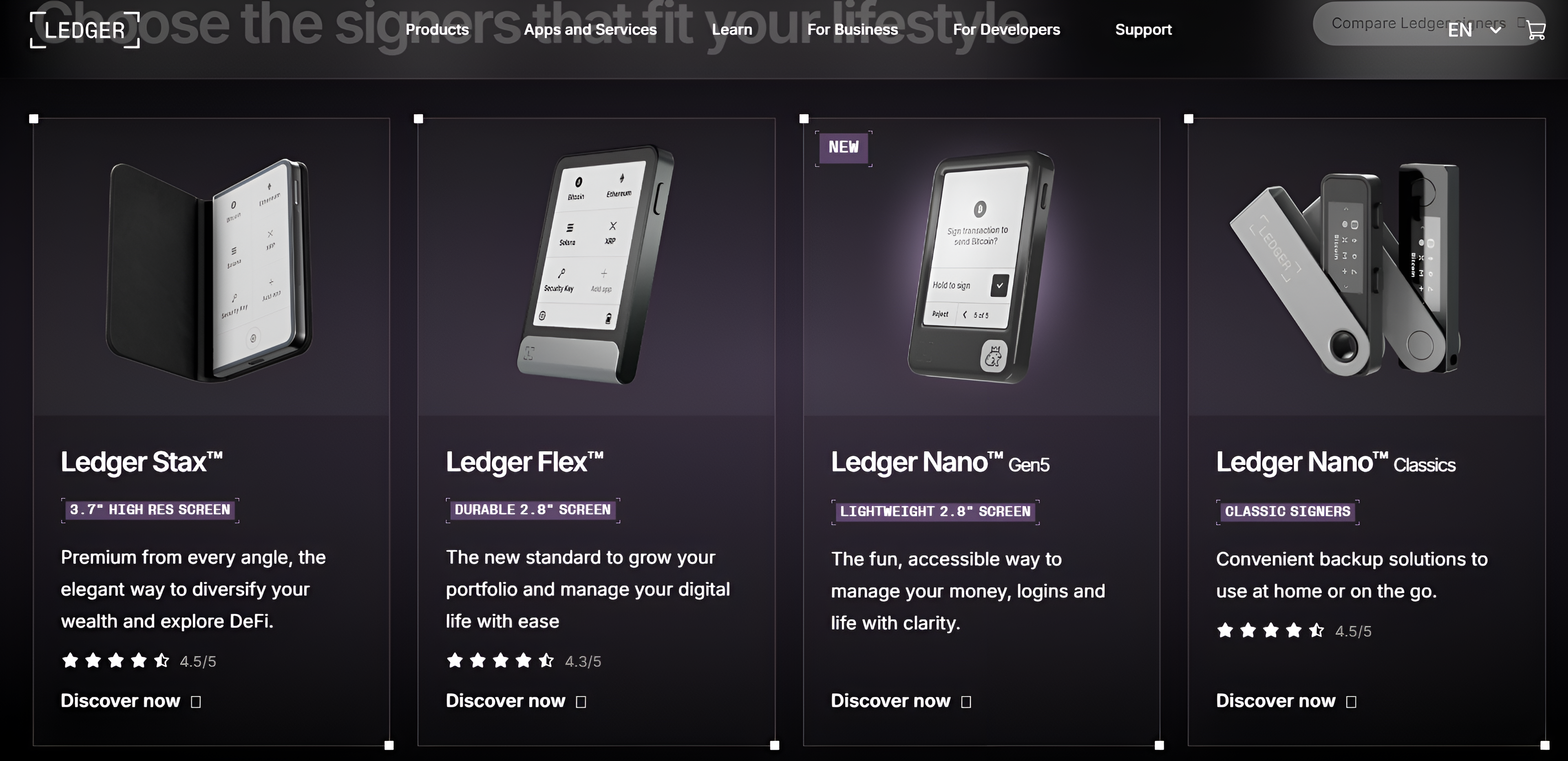
Hardware wallets are physical devices, often resembling USB sticks, that store your private keys offline. They’re disconnected from the internet, safeguarding your assets from hackers. Since they offer the highest level of protection for your digital currencies, they’re ideal for storing large crypto balances.
Trezor and Ledger are the most secure crypto wallets for offline storage. They preserve your private keys in a Secure Element chip, isolated from online devices. These microprocessors protect your keys from multiple attack vectors, including physical tampering. Thus, even if your wallet falls into the wrong hands, nobody can decipher your confidential keys.
5. Paper Wallets: A Physical Way to Store Crypto
Paper wallets are physical printouts of your public and private keys. They are a type of cold storage equivalent to cash or gift cards. However, paper degrades fast and can be easily destroyed by fire/water. The prints may also blur over time.
| Wallet type | Examples |
| Hot/software wallets | Metamask, Bitget Wallet |
| Cold/hardware wallets | Ledger, Trezor |
| Custodial/hosted wallets | Binance exchange wallet, eToro |
| Non-custodial wallets | Phantom, Zengo |
| Desktop wallets | Electrum, Atomic Wallet |
| Web wallets | Metamask, Phantom |
| Mobile wallets | Exodus, OKX wallet |
How to Use a Crypto Wallet?
Setting up a crypto wallet
- Choose a trustworthy wallet: Download a reputable crypto wallet app or browser extension on your desktop, laptop, or smartphone. Assess key parameters like security features, ease of use, and regulatory compliance to gauge a wallet’s trustworthiness.
- Create an account: If you’ve chosen a hosted wallet, furnish your basic details like e-mail, name, and location, and set up a secure password. For added security, enable 2FA via Google Authenticator or biometric verification through fingerprint/face ID.
If you’ve selected a self-custody wallet, follow the on-screen prompts to set up your wallet. Most non-custodial wallets don’t require users to enter personal details. Note down your login credentials and seed phrase in a secure place.
- Connect wallet: Link your wallet’s browser plugin with its mobile app to synchronize your assets and transactions across multiple devices smoothly.
- Fund your account: If you want to start trading cryptocurrencies, make a crypto deposit. Most non-custodial wallets don’t allow token purchases using fiat currencies. Once your wallet has an adequate balance, you can buy, sell, and transfer crypto.
How to send and receive cryptocurrencies using a wallet?
Sending cryptocurrencies
- Log in to your wallet account/app.
- Specify the cryptocurrency you want to send/withdraw.
- Enter the amount to send.
- Carefully input/paste the recipient address.
- Select the correct blockchain.
- Review transaction details, including fees, before confirming the transfer/withdrawal.
- Once confirmed, the transaction will be broadcast to the blockchain network and recorded on an immutable ledger after verification.
Receiving cryptocurrencies
- Sign in to your wallet app/account.
- Choose the specific token you want to receive.
- Copy and paste your correct wallet address for deposits or scan the corresponding QR code.
- Double-check whether you’ve selected the token and network correctly.
- Once reviewed, share your address with the sender.
- After the sender confirms the transfer, the funds will appear in your wallet only after the transaction is approved on the blockchain.
How to back up and recover your crypto wallet?
If your private keys or hardware wallets are lost/stolen, you’ll need your recovery phrase to retrieve your wallet. However, when the 12-24-character mnemonic phrase is compromised, it is impossible to recover your digital assets. Some best practices to securely store your recovery phrase are as follows:
- Write down the seed phrase accurately and store it in safe locations such as bank lockers or airgapped devices.
- Engrave the phrase on steel/metal plates.
- Maintain multiple copies across various geographies.
- Use Shamir backup. It creates multiple unique shares of your private keys, which you can distribute among trusted friends and secure locations. Each recovery share contains a cryptographic secret in the form of a sequence of 20 or 33 English words. Combine the threshold number of shares to generate the master seed to restore your wallet.
- Update your wallets and backups regularly. Ensure the stored seed phrases haven’t become unreadable or inaccessible.
- Never share the recovery phrase with anyone.
How Secure Are Crypto Wallets?
The level of security offered varies across wallet types. Hardware wallets are the safest as they ensure private keys never leave the offline device and remain disconnected from the internet. Software wallets are extremely vulnerable to hacks, malware, and phishing, making them unfavorable for storing cryptocurrencies for extended periods.
Non-custodial crypto wallets grant you freedom to manage private keys, but the onus of securing your assets lies solely on you. Conversely, the safety of your assets stored in custodial wallets depends on the custodian’s security infrastructure. Custodial wallets are prone to platform issues and cyber attacks that expose your cryptocurrencies to risks of losses or theft.
For maximum security, move most of your assets into cold wallets. Keep only the amount you require for immediate transactions in software or exchange wallets. Lastly, review your transactions before confirming to minimize manual errors.
How to Choose the Right Crypto Wallet?
- Chalk out your crypto goals: Before installing/buying a wallet, decide whether you want to buy-and-hold crypto or trade it actively. For long-term secure storage, hardware wallets are preferable. If you’re planning to trade consistently, hot or software wallets are better.
- Assess your trading experience: Custodial wallets are more suitable for beginners. Self-custody wallets are better for advanced traders with in-depth knowledge of crypto storage solutions and associated risks.
- Security: Choose wallets with robust security features like multi-factor authentication, biometric verification, passphrase protection, multi-party computation, etc.
- Supported tokens: Select wallets that support the cryptocurrencies you trade often. If you interact with DeFi protocols, buy/sell NFTs, or bridge tokens across blockchains, choose multi-chain wallets.
- Device compatibility: Opt for device-agnostic wallets, preferably with a cross-platform sync feature, enabling you to trade anytime, anywhere.
- User-friendliness: Select wallets with a simple, clean, intuitive, and user-friendly interface.
Common Mistakes to Avoid When Using a Crypto Wallet
- Storing sensitive data online: Never store your confidential keys or mnemonic phrase on the cloud or an online device. Ensure your wallet generates the seed phrase offline. Jot it down on a piece of paper or engrave it on corrosion-resistant metal plates. You may also back it up in another hardware wallet. To eliminate single points of failure, split the phrase and store each fragment across tamper-proof hardware security modules.
- Setting a weak password: Set a complex and strong password. It serves as your first line of defence against unauthorized access.
- Signing crypto transactions without reviewing: Understand each transaction before signing it. Blind signing may lead to the approval of malicious transactions. Whenever possible, opt for clear signing.
Conclusion
While each type of crypto wallet has pros and cons, the ultimate choice depends on your goals and preferences. If you prioritize security, hardware wallets are better. If you’re looking for convenience and faster transactions, software wallets are more conducive.
FAQs
Hardware wallets like Trezor, Ledger, and Tangem are considered the safest types of cryptocurrency wallets as they store private keys offline. They’re disconnected from the internet, protecting your cryptocurrencies from online fraud and scams. They’re also superior to other forms of cold storage, like paper wallets and air-gapped computers.
Losing your private keys is akin to losing your digital assets forever, especially if your recovery phrase has also been compromised. However, if you’ve preserved your seed phrase, you can regenerate your private keys. The recovery phrase serves as a master key that can easily restore access to your wallet.
Online wallets, including exchange and software wallets, are usually free. Hardware wallets can cost anything between $50 – $400.
Yes. You can store multiple cryptocurrencies in a single wallet. For example, Trust Wallet supports 100+ blockchains, facilitating cross-chain interoperability. Thus, you can seamlessly manage assets across multiple networks from a unified interface.
Hot wallets, including exchange and software wallets, are vulnerable to online hacks. All types of offline wallets minimize your cryptocurrencies’ exposure to hackers. However, they aren’t risk-free options. They’re also susceptible to physical theft, degradation, and damage.
Bitcoin wallets are crypto wallets exclusively designed to store Bitcoin. The Bitcoin-only editions of Trezor Safe 3, 5, and 7 models are the best wallets for preserving BTC.
